 trackersAnywhere
GuidedSafety check
Stand still for a moment, walk briskly for a minute, done. Whatever stays within earshot for most of the walk gets reported. Three steps, no expertise required.

Finds what follows you.
An AirTag in a backpack, a SmartTag under a car seat, a camera in a holiday flat — all of them transmit, and that is exactly what makes them findable. trackersAnywhere searches your surroundings for tracking devices and reports what stays with you.
Get it on Google Play How it works
Android 8 and newer 24 languages no account no ads no server Wear OS companion
The app opens with the situation you are actually in. Behind each question the tools run in the order in which they are worth anything, and at the end there is one verdict instead of five separate lists. The full device list stays one tap away, at the top of the screen.
Recognised by radio signature, by the device's own declaration — and, where neither is available, by behaviour.
Stand still for a moment, walk briskly for a minute, done. Whatever stays within earshot for most of the walk gets reported. Three steps, no expertise required.
In a car, driving time does the sorting: at a traffic light you hear a dozen transmitters, a minute's drive later none of them. Whatever is still with you after minutes of real driving is in the same vehicle.
Hunt down a single device: signal meter, warmer/colder tone, a plan view with bearing. Many tags can be made to ring directly once they are separated from their owner.
Not everything that watches is a tracker. Unfamiliar rooms get their own set of tests.
Devices announce themselves on a local network in several ways, and each way finds different things: mDNS is the Apple world and everything that attached itself to it, WS-Discovery is the route ONVIF prescribes for surveillance cameras, and SSDP is the living room — televisions, routers, network storage, doorbells. An ONVIF camera usually does not announce itself over mDNS. The app therefore uses all three and shows, for every find, which route it came by.
But whoever hides a camera is more likely to switch off its chatter than on. So, on an explicit button press, the app can also look for devices that stay silent: it briefly opens a connection to every address on the same network and checks whether anyone answers on a port typical of cameras. Nothing is sent beyond the connection attempt itself — and every device on the network can see it. That is why this never runs by itself, only when you start it.
Whoever had your phone in their hands needs no tracker in your bag. But monitoring software cannot read along in secret on Android: it needs one of a few roles the system grants — accessibility service, notification access, device administration, its own root certificate, keyboard. Every one of them can be looked up, without a single special permission. The app shows who holds which power, what it allows and since when it has been there — and it passes no judgement: a password manager uses the same accessibility service.
If someone really is reading along, removing it abruptly is dangerous: it warns them, and it destroys evidence. That is why this note stands above the list and not in the small print.
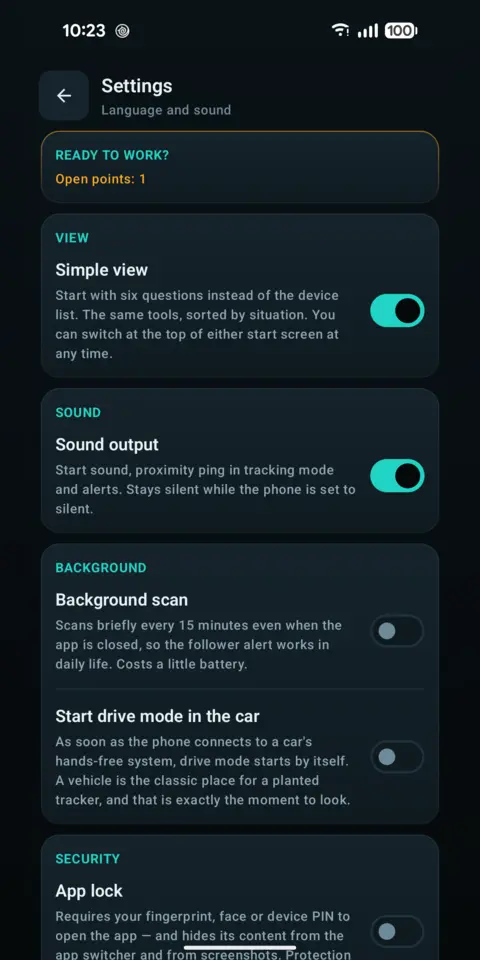
Screenshots from the app. Scrolls sideways.
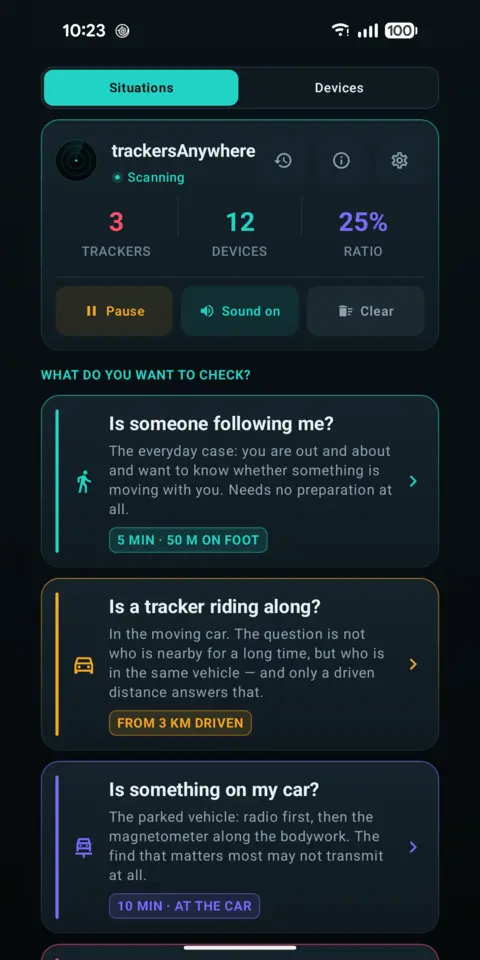
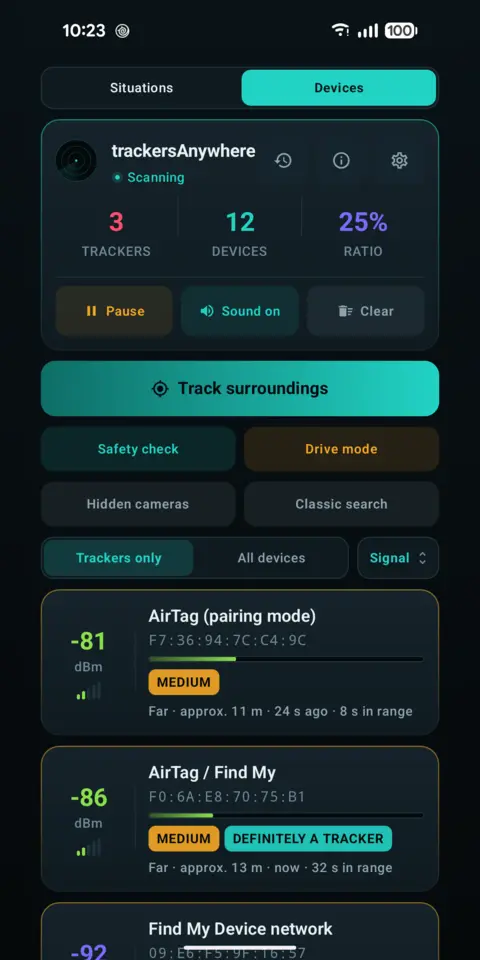
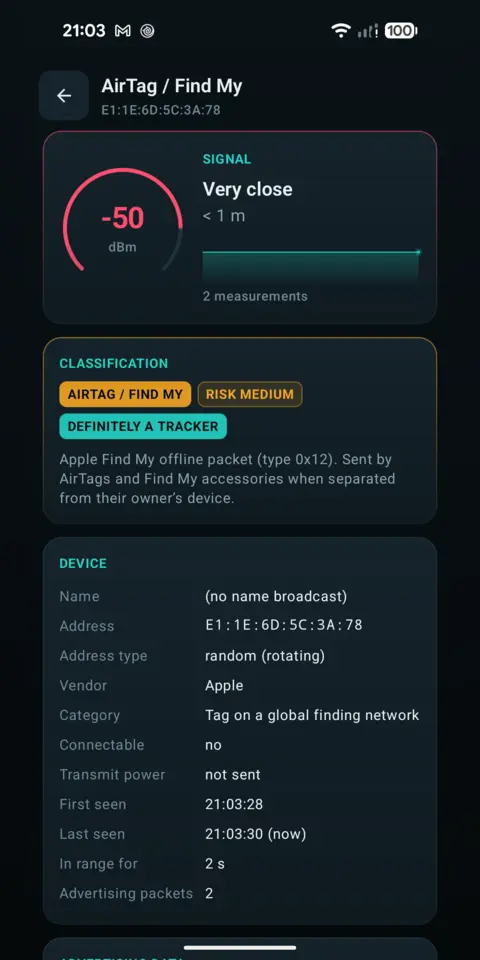
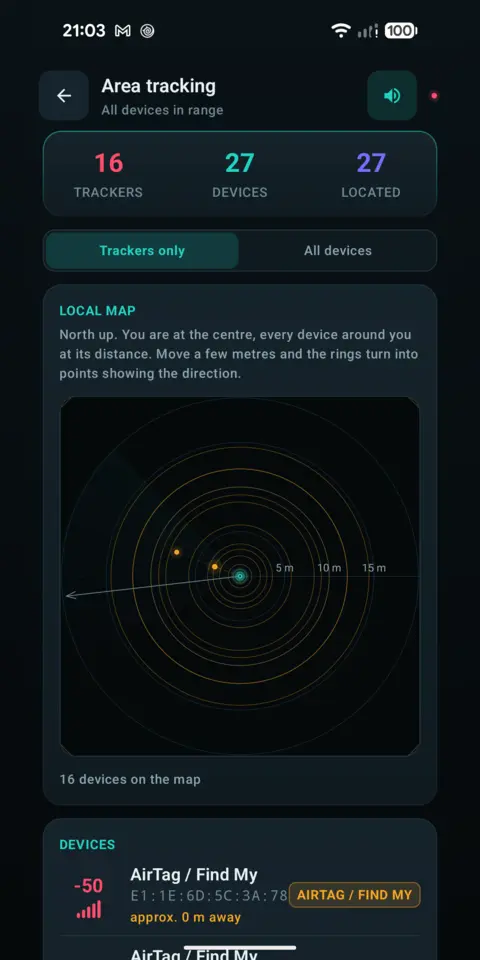
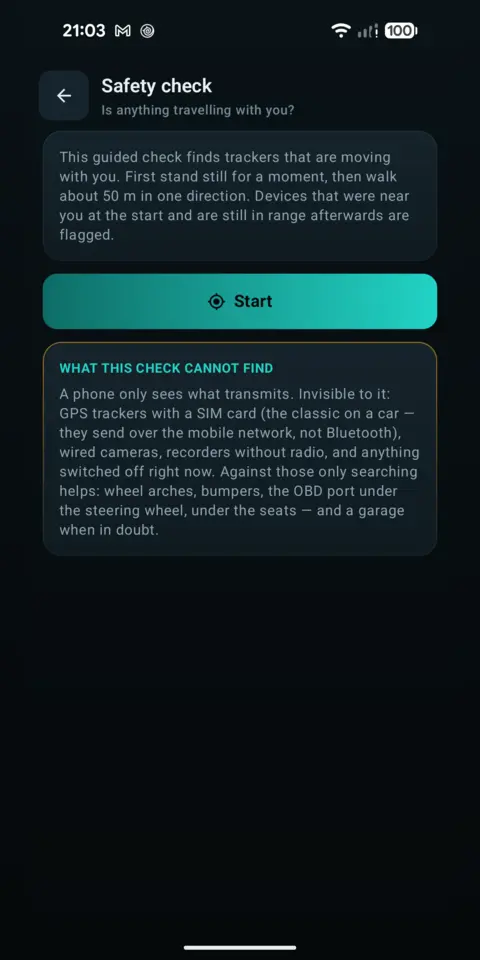
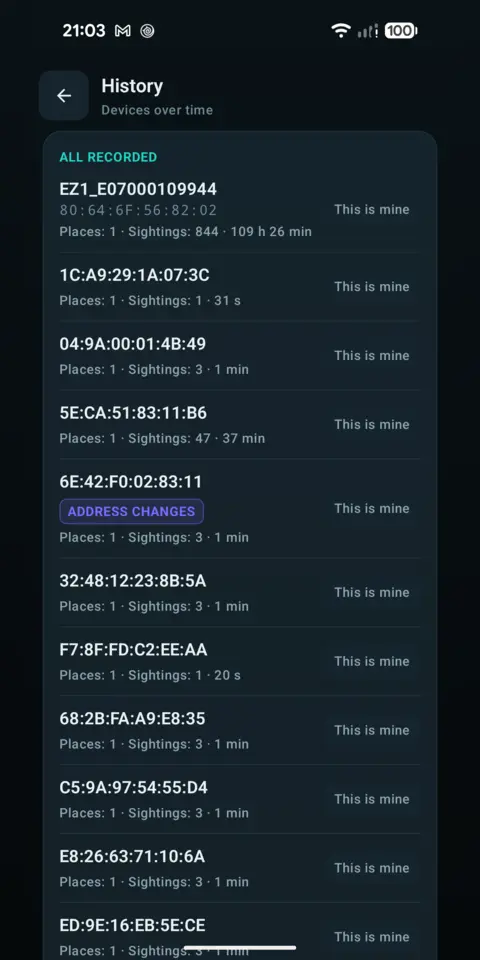
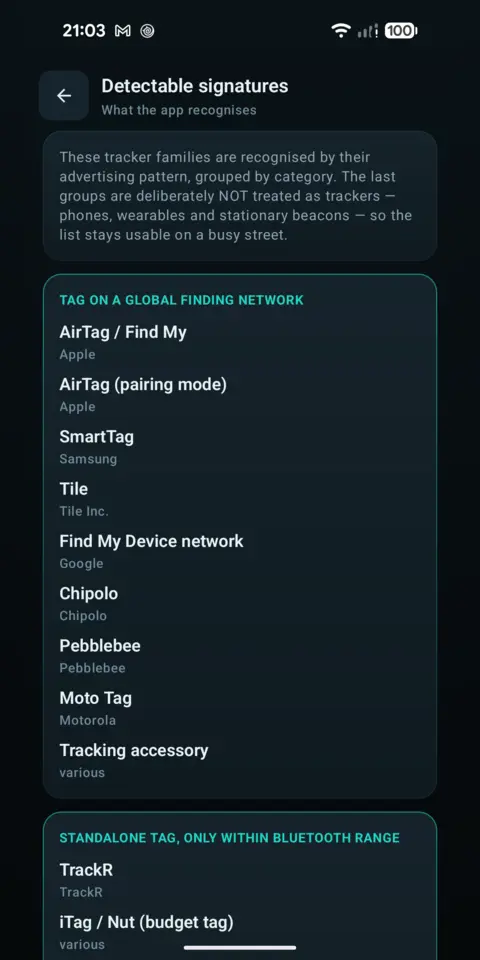
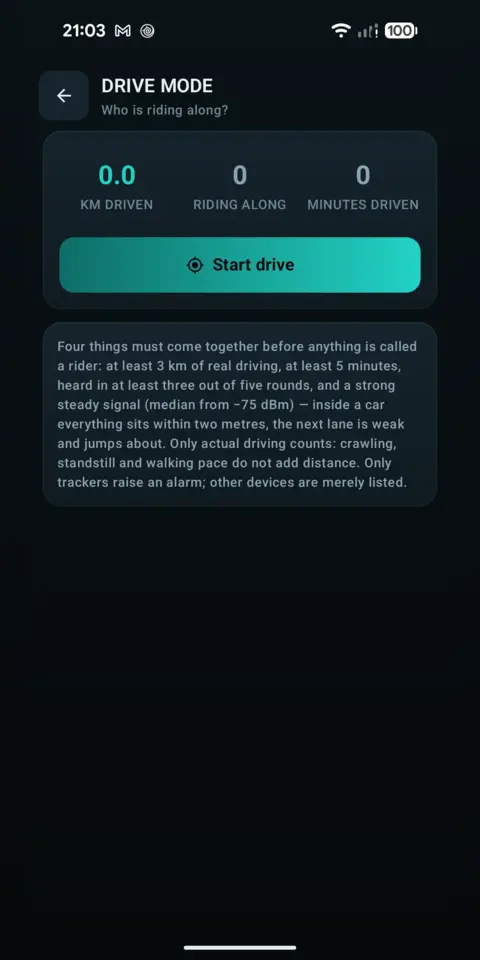
Every find carries one of three grades. A suspicion is not presented as proof.
The device declares itself a tracking accessory.
A known signature of a tracker family.
Suspicion based on behaviour — not proof.
GPS trackers with a SIM card transmit over the mobile network and stay invisible, as do wired cameras and anything switched off right now. A green tick means “nothing found that transmits” — not “clean”.
The app remembers what came along with you while you were on the move, and warns as soon as that becomes a pattern.
Text, CSV and PDF with a map image — presentable when filing a complaint, with a time zone on every timestamp.
Hides the content from anyone who picks up your phone.
No account, no ads, no analytics. Nothing is uploaded, not even into a cloud backup. Network access is used solely by the local Wi-Fi search, and that is off until you switch it on. The history lives in private app storage and deletes itself after seven days.